Hardware:
The images below provide a closer look at the Lilliput from the front and back. The compact housing is attractively finished in gray and black, with the company name in raised gold lettering.
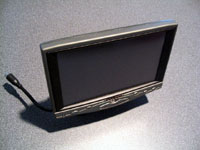 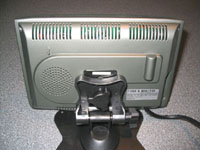
The mounting base attaches to a slot in the back of the display, and can be oriented to allow for nearly limitless installation positions. Horizontal, vertical, inverted... the configuration of the base and its pivot points should be able to accommodate most locations. The actual 'foot' of the mounting base is fairly large to help with stability on upright horizontal surfaces, but in tighter spots I can foresee this large size making it difficult to locate. To secure the Lilliput in place, the base features a few small through holes, as well as an adhesive backing.
 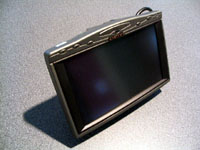
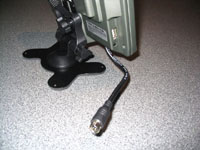
The connections on the Lilliput display are all visible below. The short black mini-DIN style cable accepts VGA input, the USB style connection accepts composite audio/video, and the small round connection accepts power from either the AC or DC power adaptors. Interesting that Lilliput chose these atypical connections for receiving signal. I know I was initially confused by what looked like a USB port and perhaps an S-Video or PS/2 mouse port, but looking at the cables provided helps to clear things up.
All controls are located along the lower edge of the screen, in a convenient orientation.
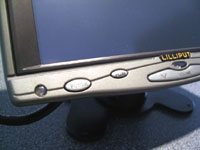 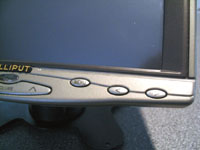
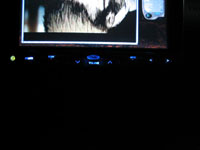
The control buttons are illuminated in a shade of electric blue during operation (and for a few seconds afterward), which makes navigation in a dark environment much easier. When the device is plugged in, but turned off, the power button glows red... When powered on, it glows green.
Please read on to the next page for more... Next
Page 1 | Page 2 | Page 3 | Page 4 | Page 5 | Page 6 | Home | Forum | Review Index
|
|



