| Snap Appliance Snap Server 1100 - Page 5 of 7 |
Security:
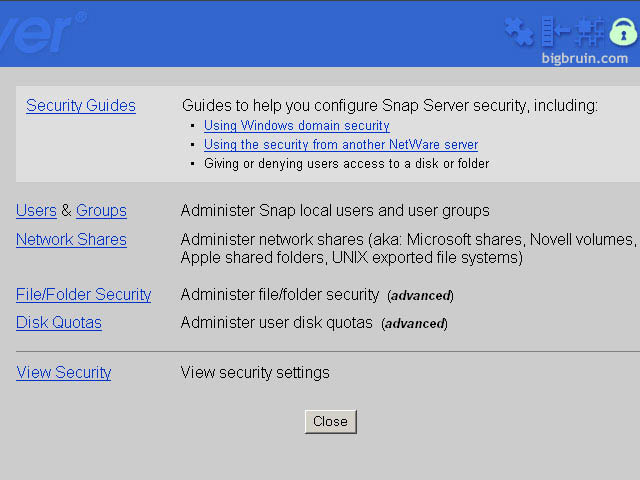
The security portion of the Snap Server is very in depth. It can get complicated so it is suggested users start with the provided security guides. You can provide security by means of users and groups or setup network shares for each of the mentioned networking environments. File and folder security is also available, along with the ability to setup disk quotas.
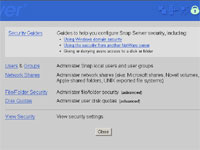
Security in Detail:
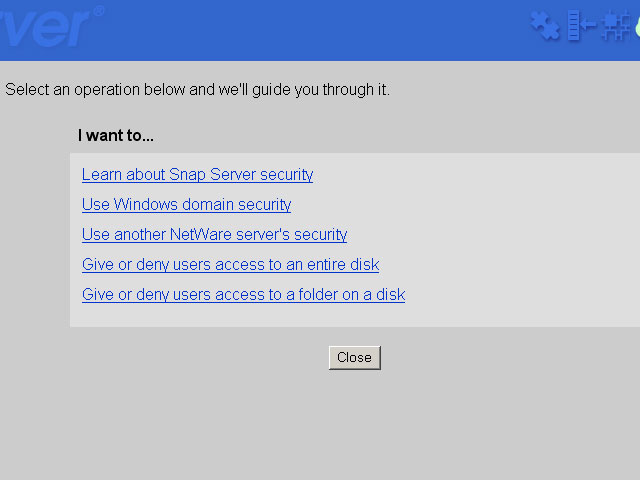
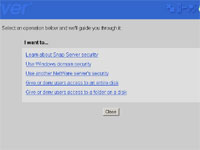
Security Guides:The security guides are the best way to learn how the Snap Server grants user, file, and folder permissions (use this the first time you use the Snap Server)
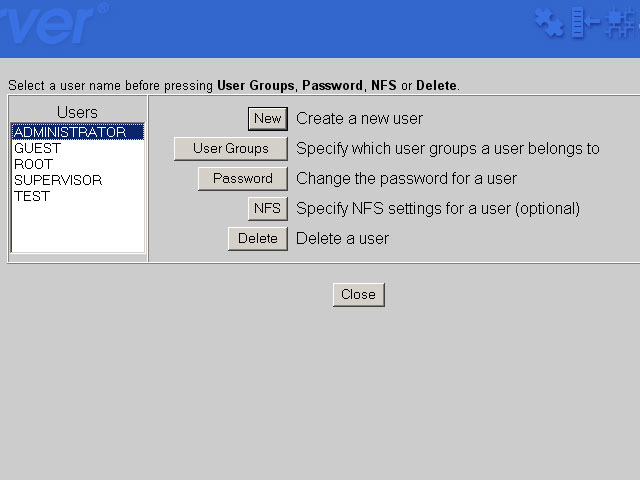
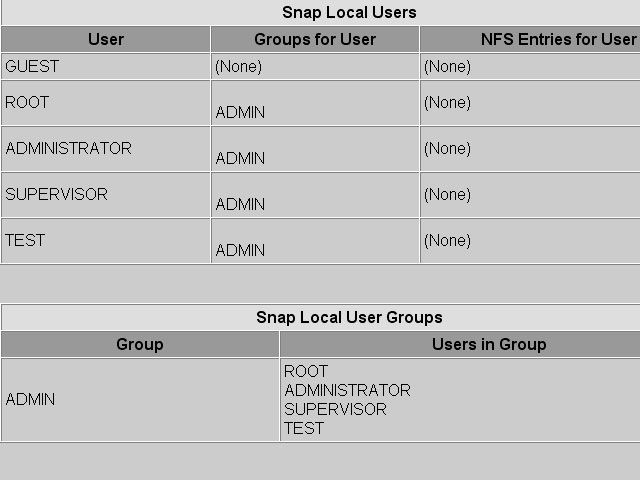
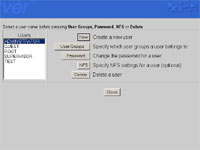
Users and Groups:Once you’re comfortable, use the manual method of creating users and groups, it’s much faster. Put users in groups, even setup NFS (Network File System) for each user which allows further security (you can restrict user logins to certain IP addresses).
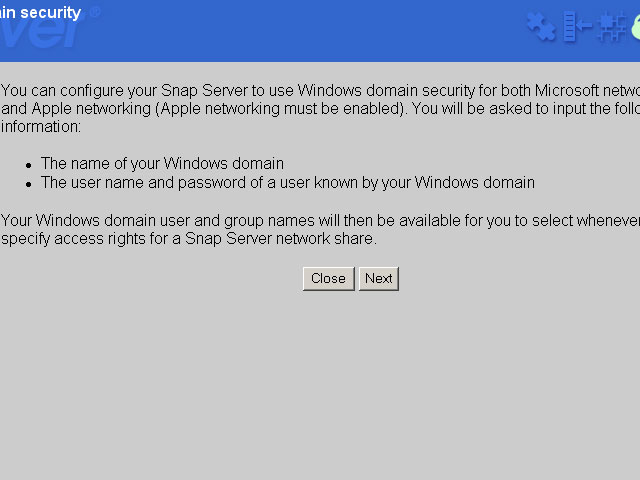
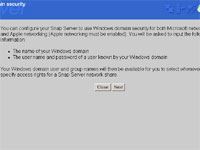
Windows Domain Users:If you’re running on a Windows Domain, you can import your current users/groups and permissions into the Snap Server. This could save an administrator hours.
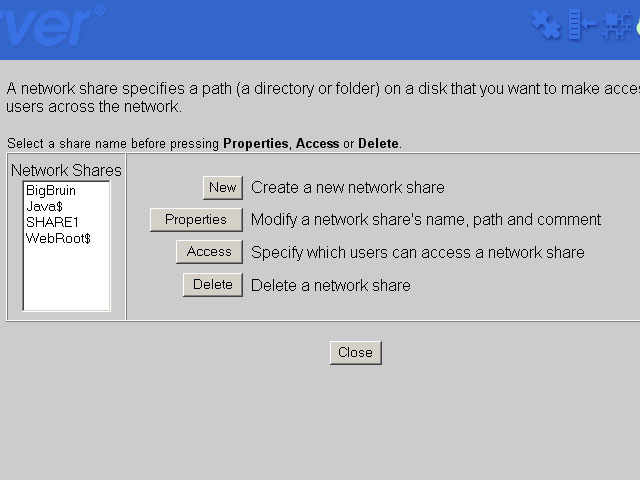
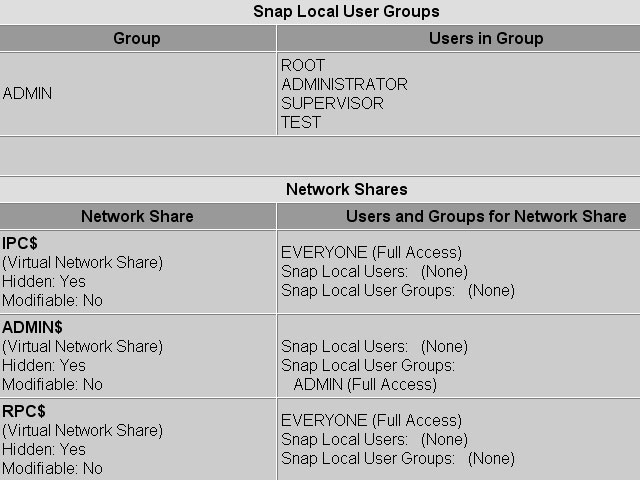
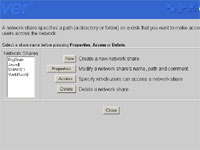
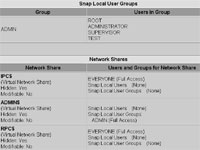
Network Shares:Setup network shares that certain users or groups can access. Make hidden shares (as shown by these system folders) and add comments for the different shares.
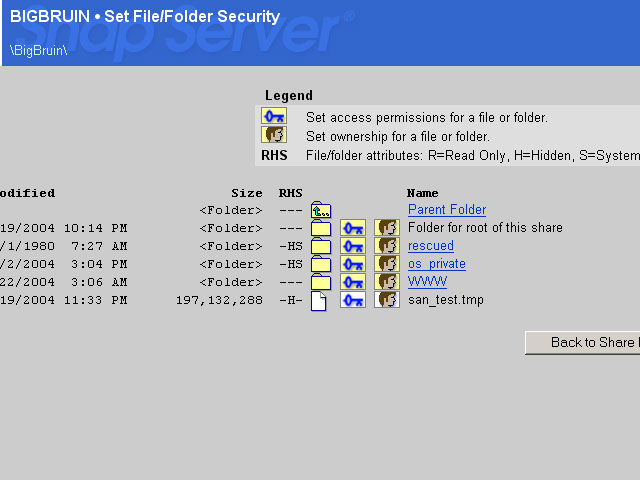
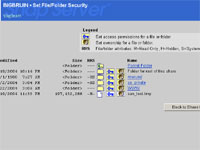
File/Folder Security:Get detailed information on what permissions have been granted to all files and folders on the server. The software identifies the following attributes read only, hidden, and system folder.
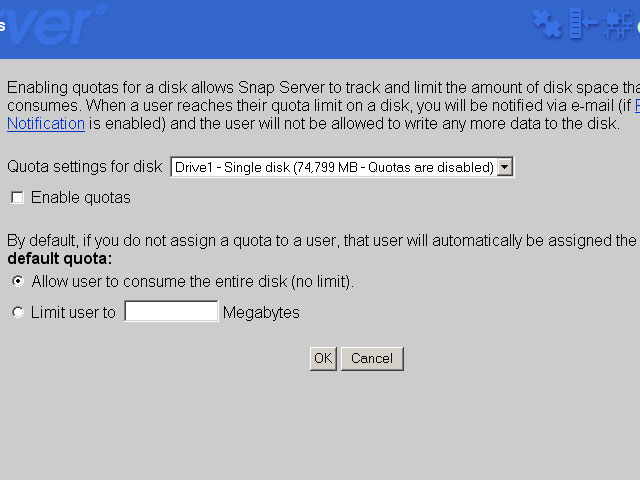
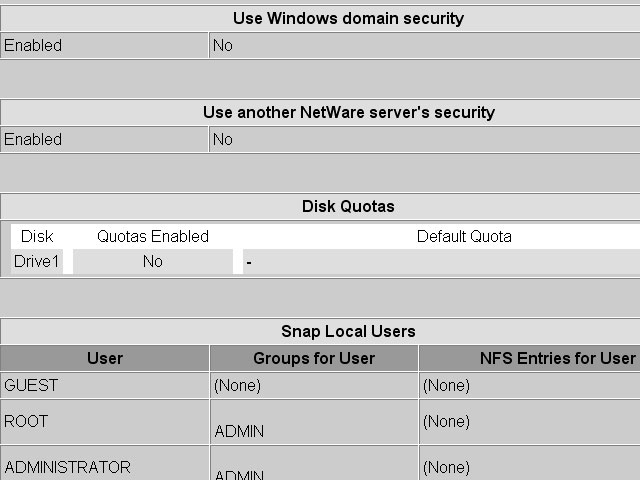
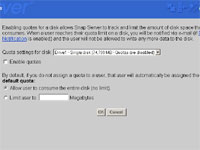
Disk Quotas:Afraid the users will eat up too much space on the Snap Server? No problem, use this tool to specify how much space your allowing each user.
View Security (part 1):This is a great overall feature that summarizes the security of the entire device! If you’d made a mistake, it will be easy to identify in this single page summary.
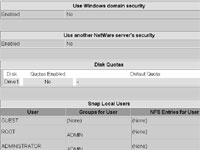
View Security (part 2):(continued…)
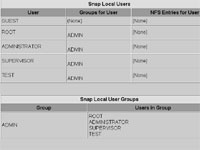
View Security (part 3):(continued…)
Please read on to the next page for more... Next
Page 1 | Page 2 | Page 3 | Page 4 | Page 5 | Page 6 | Page 7
Home | Forum | Review Index
|
|
|
|